Grand Awards Editable Text Effect: A Practical Evaluation for Designers
In the fast-paced world of graphic design, efficiency often dictates the quality of output. Designers frequently seek resources that reduce repetitive tasks without sacrificing aesthetic value. The Grand Awards Editable Text Effect represents a specific category of digital asset designed to streamline the creation of premium-looking typography. This resource is not a font file but rather a collection of pre-styled text effects compatible with Adobe Illustrator. Understanding its functionality, limitations, and ideal use cases is essential for determining whether it aligns with your current workflow and project requirements.
Understanding the Asset Structure
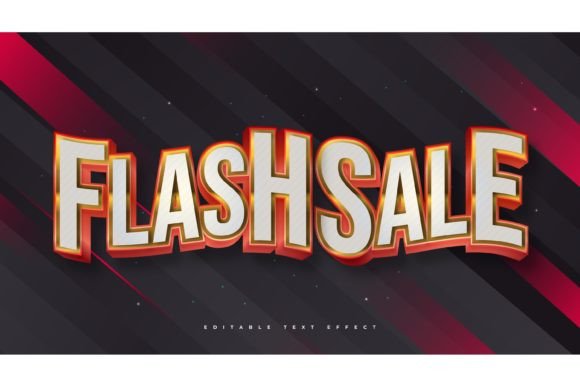
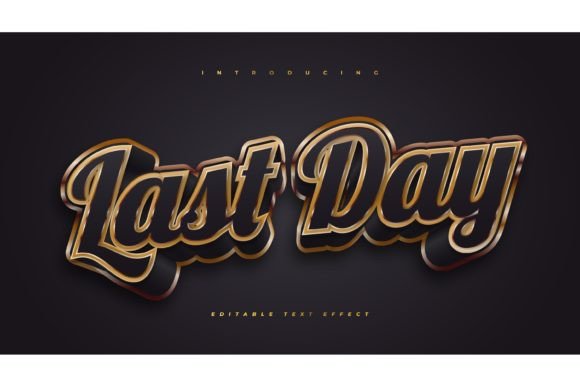
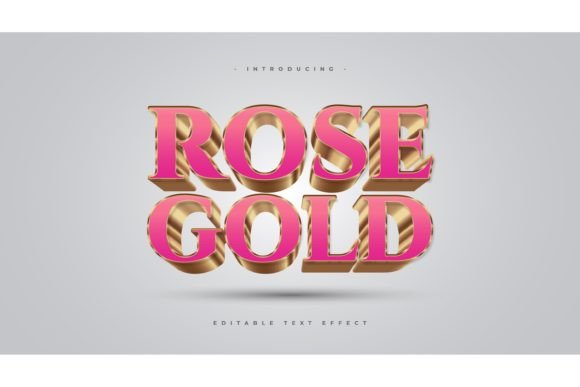
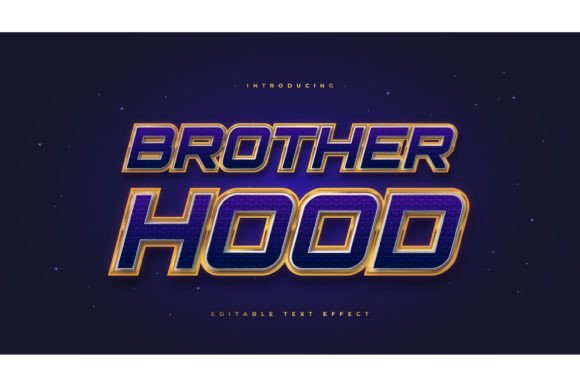
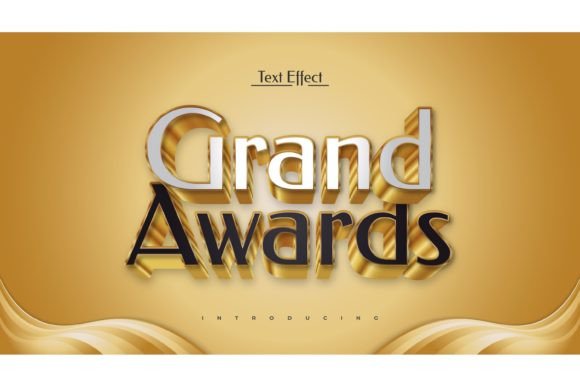
Before integrating any new tool into a design pipeline, it is crucial to understand what the product actually delivers. The Grand Awards Editable Text Effect package includes 100 distinct text styles. These are constructed using vector shapes, gradients, strokes, and layer effects within Adobe Illustrator. Because these are effect layers applied to text objects, they remain fully editable. Users can click on any text box, type their desired copy, and the styling updates automatically.
It is important to clarify a common misconception: this is not a font. You do not install these files into your operating system’s font library. Instead, you work within the Illustrator environment, utilizing the included EPS files or templates. This distinction matters because it means you retain complete freedom over typography. You can apply these gold, metallic, or embossed effects to any typeface installed on your computer, allowing for greater creative flexibility than a static font would permit.
Why Designers Consider Pre-Made Text Effects
The primary driver for adopting tools like the Grand Awards Editable Text Effect is time management. Creating realistic metallic textures, complex bevels, and lighting effects from scratch requires a deep understanding of gradient meshes, blending modes, and appearance panels. Even for experienced users, building a single high-quality gold text effect can take thirty minutes to an hour. With a library of 100 pre-built styles, that time is reduced to seconds.
Beyond speed, consistency is a significant factor. When working on large projects, such as event branding or award certificates, maintaining a uniform look across multiple variations of text is challenging. Using a standardized set of effects ensures that every headline or nameplate shares the same visual language, color profile, and depth perception. This reduces the cognitive load on the designer and minimizes the risk of human error in manual styling.
Benefits and Practical Advantages
The most immediate benefit of this asset pack is ease of use. The "click and change" functionality lowers the barrier to entry for junior designers or those less familiar with advanced Illustrator techniques. By providing a robust starting point, it allows users to focus on layout and composition rather than technical execution of texture mapping.
- Versatility: With 100 different styles, the pack covers a wide range of aesthetics, from classic gold plaques to modern chrome finishes.
- Scalability: As vector-based EPS files, the text effects can be scaled to any size without loss of quality, making them suitable for both business cards and large-format banners.
- Customizability: Since the underlying structure is editable, colors and gradients can be adjusted to match specific brand guidelines.
Furthermore, the inclusion of JPG previews aids in rapid selection. Designers can browse the visual catalog quickly without opening each individual EPS file, streamlining the decision-making process during the conceptual phase.
Tradeoffs and Technical Considerations
While convenient, relying on pre-made effects comes with tradeoffs. The most notable limitation is software dependency. These files are optimized for Adobe Illustrator. Users working primarily in Photoshop, InDesign, or open-source alternatives like Inkscape may find compatibility issues. While EPS is a universal format, the editable nature of the effects relies on Illustrator’s specific appearance stack. Converting these to other formats may rasterize the effects or break the editability, turning them into static images.
Another consideration is file weight. Complex vector effects with multiple gradient stops and transparency layers can increase file size significantly. For web-based projects or simple print jobs, this might be unnecessary overhead. Additionally, while the effects are high quality, they are generic by nature. A designer seeking a truly unique, bespoke typographic treatment may find that pre-made styles lack the nuanced customization required for high-end branding projects.
Ideal Use Cases
The Grand Awards Editable Text Effect is particularly well-suited for specific scenarios where speed and standardization are prioritized over uniqueness. Event planners and organizers frequently need to produce certificates, trophies, and signage with varying names and titles. In these contexts, the ability to swap text instantly while maintaining a prestigious look is invaluable.
Marketing agencies handling high-volume client work also benefit from this resource. When creating mockups for presentations or social media graphics, having a library of ready-to-use premium text styles allows for rapid prototyping. It enables teams to present polished concepts to clients without investing hours in custom texture creation during the early stages of a campaign.
When to Consider Alternatives
There are situations where this tool may not be the best fit. If your project requires strict adherence to a unique brand identity that does not align with standard metallic or award-style aesthetics, custom design remains the superior option. Similarly, if you are working in a non-Adobe ecosystem, the learning curve associated with converting and managing these vector effects may outweigh the time saved.
For designers who already possess advanced skills in creating custom brushes and graphic styles, building a personal library might offer more long-term value. Custom-built styles can be tailored precisely to recurring client needs, ensuring a perfect fit every time. However, for those looking to expand their toolkit quickly or handle overflow work, purchasing a comprehensive pack like this is a logical investment.
Making the Decision
Evaluating the Grand Awards Editable Text Effect requires balancing convenience against creative control. Ask yourself whether your current workflow involves frequent creation of formal, decorative, or metallic typography. If the answer is yes, this asset serves as a powerful accelerator. It removes technical friction, allowing you to deliver professional results efficiently.
However, if your work focuses on minimalist design, organic textures, or highly experimental typography, this pack may see limited use. Always review the included JPG previews to ensure the style range matches your typical project demands. Ultimately, this tool is best viewed as a supplement to your design skills, not a replacement. It handles the heavy lifting of texture application, freeing you to focus on the strategic and compositional aspects of your design work.
By understanding the technical requirements and appropriate applications, you can determine if this editable text effect collection aligns with your professional goals. For many designers, it offers a practical solution to the eternal challenge of doing more with less time, provided it is used within the right context.