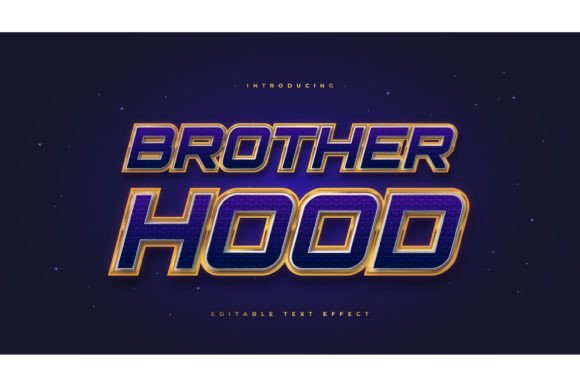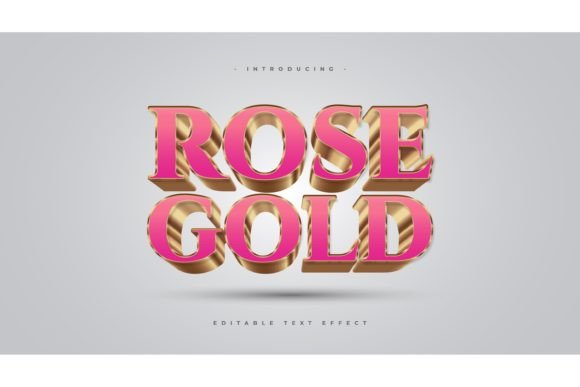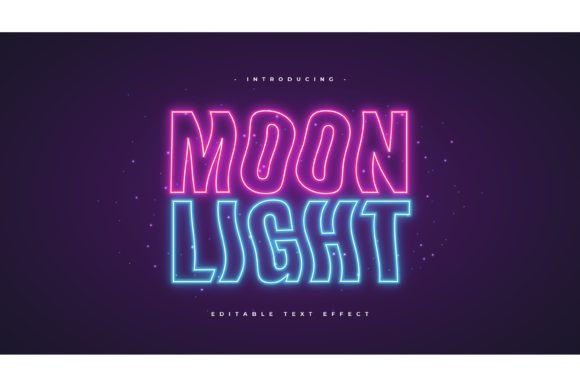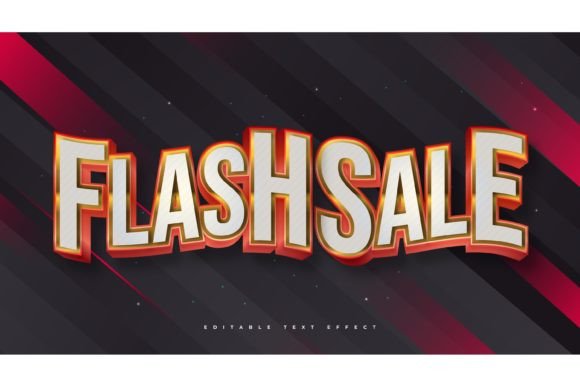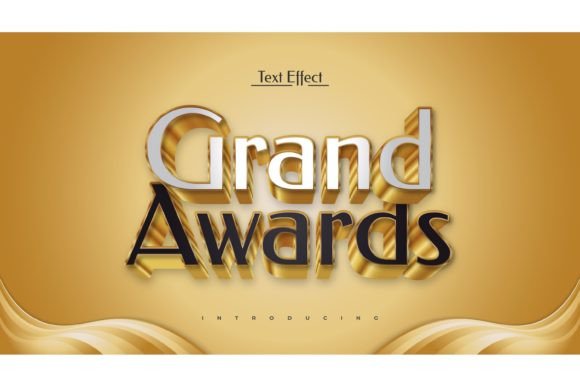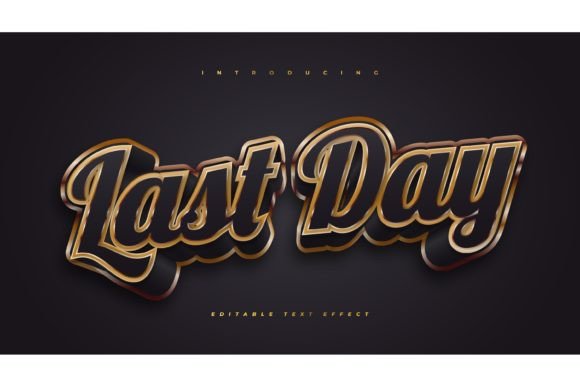
3D Black and Gold Text Effect Guide
In the world of digital design, first impressions are often defined by contrast and texture. Few combinations command attention quite like the stark elegance of black paired with the opulent shine of gold. A 3D Black and Gold Text Effect transforms standard typography into a visual centerpiece, adding depth, luxury, and a professional polish that flat colors simply cannot achieve. Whether you are designing a logo for a high-end boutique, creating a YouTube thumbnail, or crafting an invitation for a gala event, this specific aesthetic communicates value and sophistication instantly.
For many creators, achieving this look from scratch in Adobe Illustrator can be a time-consuming process involving complex gradient meshes, multiple layer duplications, and precise lighting adjustments. This is where pre-designed text style effects become invaluable. By utilizing a ready-made Adobe Illustrator Text Style Effect, you bypass the technical learning curve and focus entirely on your message. These resources typically come as editable vector files, allowing you to swap out placeholder words for your own content with just a few clicks.
Why Choose a Pre-Made Vector Style?
The primary appeal of using a template-based approach lies in efficiency and consistency. When you download a package that includes a 3D Black and Gold Text Effect, you are not just getting a static image; you are acquiring a flexible design tool. The file is usually structured so that the effect is applied via appearance panels or graphic styles within Illustrator. This means the heavy lifting regarding shadows, highlights, and metallic gradients has already been done by a professional designer.
Consider the alternative: creating a realistic gold texture requires a nuanced understanding of how light reflects off metallic surfaces. You need to balance warm yellows, deep oranges, and bright whites to simulate shine, while simultaneously managing the deep, rich tones of the black base to ensure it doesn't look like a simple dark gray. A pre-made effect ensures that these technical details are handled correctly, providing a polished result that looks expensive and custom-made.
Furthermore, these templates are designed to be easy to edit. You do not need to be an expert in vector manipulation to change the text. Typically, you simply select the text object, type your new word or phrase, and the effect updates automatically. This "click and change" functionality is ideal for entrepreneurs and marketers who need to produce high-quality visuals quickly without hiring a dedicated graphic designer for every small project.
Versatile Applications for Your Designs
The versatility of black and gold typography makes it suitable for a wide array of industries and contexts. Because the color scheme is neutral yet striking, it does not clash with most brand palettes. Here are several practical ways you can integrate this effect into your workflow:
- Luxury Branding: Ideal for jewelry stores, fashion labels, and premium service providers who want to convey exclusivity.
- Event Marketing: Perfect for wedding invitations, award ceremony programs, and VIP party flyers where a touch of glamour is required.
- Digital Content: Use it for YouTube channel banners, podcast cover art, or social media headers to stand out in crowded feeds.
- Corporate Presentations: Add a professional sheen to title slides in pitch decks for finance, law, or real estate sectors.
- Product Packaging: Create mockups for cosmetic boxes, wine labels, or tech accessories that need a premium shelf presence.
Since the files included are typically in EPS format, they are scalable to any size without losing quality. You can use the same design for a small business card or a large billboard, ensuring your branding remains crisp and professional across all mediums. The inclusion of a JPG preview also allows you to quickly visualize how the text will look before diving into the editing software.
Understanding the File Structure
It is important to clarify a common misconception: this product is a Text Font Effect Design, not a font file itself. You are not installing a new typeface on your computer. Instead, you are using a stylistic overlay that can be applied to any font you already have installed. This distinction offers significant creative freedom. If you prefer a bold, blocky serif for a traditional look, you can use it. If you want a sleek, modern sans-serif for a contemporary vibe, you can switch to that as well.
The package usually contains a library of 100 editable words, covering common terms used in marketing and design. However, the true power lies in the ability to customize. You can adjust the font, size, and effect parameters to suit your specific needs. If the default gold tone is too yellow for your brand, you can tweak the gradient stops in Illustrator to make it more rose-gold or antique brass. This level of customization ensures that the final output aligns perfectly with your visual identity.
Tips for Best Results
To get the most out of your 3D Black and Gold Text Effect, keep a few design principles in mind. First, consider legibility. While the 3D effect adds depth, it can sometimes reduce readability if the text is too small or placed against a busy background. Always ensure there is sufficient contrast between your text and the backdrop. A solid white, dark navy, or marble texture often works best to let the gold pop.
Second, pay attention to spacing. Gold effects often have outer glows or shadows that extend beyond the actual letterforms. Make sure you have enough padding around your text so these effects do not get cut off or overlap with other design elements unintentionally.
Finally, remember that less is often more. This effect is bold and commanding. Using it for entire paragraphs can overwhelm the viewer. Reserve it for headlines, logos, or key call-to-action phrases where you want to draw immediate attention. By using it strategically, you maintain its impact and prevent visual fatigue.
In conclusion, incorporating a 3D Black and Gold Text Effect into your design toolkit is a smart move for anyone looking to elevate their visual content. It bridges the gap between amateur aesthetics and professional polish, offering a quick, editable, and scalable solution for a variety of creative needs. With the right tools and a bit of creative direction, you can produce stunning, high-end graphics that resonate with your audience and reflect the quality of your brand.